
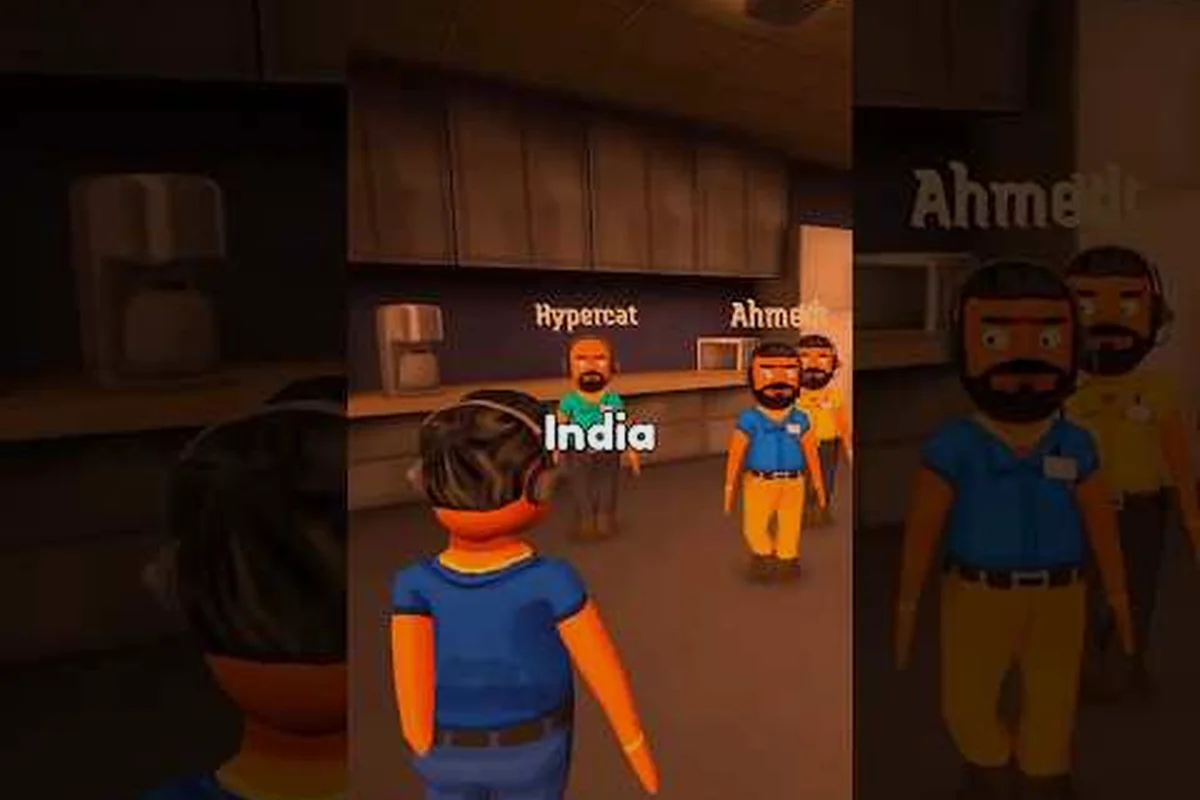
A strong caller personality is the difference between a forgettable prank call and a mark who panics on cue. This guide walks you through the Scam With Your Friends caller personality builder, from picking a voice to wiring custom JSON traits that make every line land the way you scripted it.
What the Caller Personality System Actually Controls
Every created caller in Scam With Your Friends is really a bundle of behavioral settings that the game reads before the phone even rings. The personality layer decides how your mark greets you, how fast they get suspicious, and whether they hang up after one weird question or stay on the line for ten minutes. Understanding that bundle is the first step toward building callers that feel alive instead of robotic.
The system splits into three cooperating layers, and each one changes the call in a different way: the voice layer supplies the audible surface — accent, pitch, and pacing that play through your speakers; the trait layer holds the behavioral flags governing trust, patience, and gullibility, and it is the layer that decides whether a mark forgives a fumbled opening or flags you as a scammer within two lines; and the script layer stores the branching responses that fire when the mark reacts to your pitch. Because the character creator exposes all three through one editing screen, a caller built with a flawless accent but a low-patience trait set will still hang up early, which is exactly why trait tuning matters more than accent files.
-
Voice layer — the accent, pitch, and pacing that plays through your speakers.
-
Trait layer — the behavioral flags that govern trust, patience, and gullibility.
-
Script layer — the branching responses that fire when the mark reacts to your pitch.
Players who only tweak the voice often wonder why their caller still feels flat. The reason is that the trait and script layers carry most of the personality weight, and the voice is just the wrapper around them. In practice, a well-tuned trait set matters more than a perfect accent file.
The character creator exposes all three layers through a single editing screen, which is why it can feel overwhelming on the first pass. Once you know which sliders feed which layer, the whole builder becomes predictable. If you want to see how finished personalities look before you build your own, the caller backstory and presets guide shows real examples you can reverse-engineer.
Building Your First Custom Caller Step by Step
The fastest way to learn the builder is to create one throwaway caller from scratch and watch how each change alters a live call. Start simple, then layer complexity once you understand the feedback loop between your edits and the mark's reactions.
Here is the workflow most experienced players follow when they create a caller: they open the character creator, name the caller, pick a base voice and accent, then assign the three core traits — trust, patience, and greed — before writing a single line of dialogue. The reason is mechanical: your trait values set how long the mark's patience lasts, which determines how many lines you actually get to deliver before the call ends. A high-greed, low-patience caller burns through the reaction window in two or three exchanges, so script lines written before those flags are set almost always get rewritten. Save the personality as a JSON export once the live test passes, then duplicate that file and change one variable at a time.
| Step | Action | What It Changes |
|---|---|---|
| 1 | Open the character creator and name the caller | Identity shown in your caller list |
| 2 | Pick a base voice and accent | Tone, pitch, regional flavor |
| 3 | Assign core traits (trust, patience, greed) | How the mark reacts to pressure |
| 4 | Write opening and fallback lines | First impression and recovery |
| 5 | Save and test in a live call | Real behavior under pressure |
| 6 | Export the personality JSON | Backup and sharing |
The order matters more than it looks. If you write your script lines before you set traits, you will end up rewriting dialogue because the mark's patience changes how many lines you actually get to deliver. Set the behavioral flags first, then write dialogue that fits the reaction window you created.
A common beginner mistake is maxing every trait. A caller with maximum trust and maximum patience never gets suspicious, which sounds great until the call becomes boring because there is no tension. The best personalities leave one or two weaknesses in place so the mark can still surprise you. That unpredictability is what makes a created caller feel like a real person rather than a scripted puppet.
Once your first caller works, duplicate it and change one variable at a time. This controlled approach teaches you exactly which trait drives which behavior, and it prevents the confusion that comes from editing five settings at once and losing track of what caused the change.
Tuning Traits, Accents, and Quirks for Believable Marks
The trait layer is where caller customization gets genuinely interesting, because small numeric shifts produce wildly different call dynamics. Treat each trait as a dial rather than a switch, and think about how the dial interacts with the others. A mark sitting at Trust 3 and Patience 2 will hang up the moment your opening line contradicts itself, so you need to front-load a plausible pretext before any payout hook. Crank Trust to 7 and the same mark accepts a cold "I'm from the bank" opener, letting you skip setup entirely and pivot straight to the Greed lever. The real payoff is cross-trait synergy: high Fear plus low Patience turns threats into fast compliance, while high Curiosity plus high Trust keeps a mark asking follow-up questions long enough for you to layer in a second ask.
The table below breaks down the core traits and the practical effect of pushing each one high or low, giving you a quick reference before you start tuning a custom caller build. Note how each dial maps to a distinct exploit window: Trust governs whether your pretext even lands, Patience sets your maximum setup length before the mark disconnects, Greed determines payout-hook viability, Fear controls threat-based compliance speed, and Curiosity dictates how many follow-up questions you can absorb. A caller running Trust 7 / Patience 6 / Greed 5 can chain a bank-pretext opener into a slow-burn investment hook, whereas a Trust 2 / Fear 8 build forces you into instant threat scripts with no room for layered asks.
| Trait | Low Setting Behavior | High Setting Behavior |
|---|---|---|
| Trust | Questions everything, demands proof | Believes your first claim instantly |
| Patience | Hangs up after one odd line | Stays on the line through long setups |
| Greed | Ignores money hooks | Chases every payout you dangle |
| Fear | Stays calm under threats | Panics and complies fast |
| Curiosity | Wants the call to end | Asks follow-up questions endlessly |
Accents work differently because they are cosmetic on the surface but psychological underneath. A thick regional accent primes the mark to expect a certain kind of caller, and matching accent to scenario type produces more consistent reactions. A gruff, fast-talking accent pairs well with urgency scams, while a slow, warm accent suits long-con setups where you need the mark to relax.
Quirks are the small behavioral flourishes that make a caller memorable. These can include catchphrases, nervous laughter, or a habit of repeating the mark's name. Individually they seem minor, but stacked together they create a recognizable character voice. The trick is restraint: two or three quirks read as personality, while ten quirks read as noise.
If you plan to share your creations, the custom personality files and voice pack guide explains how exported JSON and audio assets travel between players, which is useful once your trait tuning is dialed in.
Editing the Custom Personality JSON Directly
The in-game creator covers most needs, but the custom personality JSON unlocks precision that sliders cannot reach. Editing the file directly lets you set exact numeric values, add conditional responses, and reuse trait blocks across multiple callers without rebuilding them by hand.
The JSON structure follows a predictable pattern, and once you recognize the keys you can edit confidently: each caller is a flat object where trust, patience, and greed are scalar floats, while quirks and responses branch into arrays and nested objects. A single caller file might hold a greed value of 0.85 to make money hooks land almost every time, paired with a patience of 4 so the target hangs up fast if you fumble the pitch — small numeric shifts like these change the whole con, so read every key before you touch a value.
| JSON Key | Purpose | Typical Value Range |
|---|---|---|
| trust | Baseline gullibility | 0.0 to 1.0 |
| patience | Turns before hangup | 1 to 20 |
| greed | Money-hook sensitivity | 0.0 to 1.0 |
| accent | Voice profile reference | String ID |
| quirks | Behavioral flourish list | Array of strings |
| responses | Branching dialogue map | Nested object |
Always back up the original file before editing, because a single misplaced comma can stop the caller from loading entirely. Work in small batches, save often, and test after every few changes so you can isolate the edit that broke something. Players who edit large blocks at once often spend more time debugging than they saved.
One powerful technique is cloning a trait block from a caller you already like and pasting it into a new file as a starting point. This lets you inherit proven behavior and then adjust only the values that define the new character. Over time you build a personal library of trait presets that speeds up every future creation.
Keep your key names consistent across files. If one caller uses trust and another uses trustLevel, the game may read them as different systems, and your carefully tuned values will silently fail to apply. Consistency is boring but it saves hours.
Matching Caller Accents and Voice to Your Scenario
Voice selection is the most visible part of caller customization, and it shapes the mark's first impression before a single word of your script lands. Choosing an accent that fits the scenario makes the whole call feel intentional rather than random.
Consider how different accent profiles steer the conversation: a fast urban accent can compress your script's pauses so the mark has no room to question the premise, which suits a short time-pressure con where the call needs to end before suspicion builds. A slow rural drawl stretches each sentence, giving the mark space to fill silences with their own assumptions — useful when your custom personality JSON leans on a friendly, unhurried character. A neutral broadcast accent strips regional markers entirely, so the caller reads as institutional rather than personal, which pairs well with authority-impersonation scripts. These choices are not cosmetic: the same dialogue tree can land as threatening, trustworthy, or ridiculous depending on accent alone, so treat the accent field in your character creator as a strategic variable rather than a finishing touch.
-
Fast urban accent — reads as urgent and businesslike, ideal for time-pressure scams.
-
Slow rural drawl — reads as trustworthy and unhurried, strong for long cons.
-
Neutral broadcast accent — reads as official, useful for authority impersonation.
-
Heavy comedic accent — reads as absurd, best for prank-style calls.
The voice you pick should match the emotional arc you want. If your script builds slowly toward a reveal, a calm accent keeps the mark comfortable until the twist. If your script opens with panic, a sharp accent reinforces that energy immediately.
Pitch and pacing matter as much as regional flavor. A caller who speaks slightly faster than normal feels more urgent, while one who pauses between sentences feels more deliberate and trustworthy. These micro-adjustments are easy to overlook but they compound across a long call, and players who tune them report noticeably stronger reactions from marks.
Test each accent against the same script before committing. The same lines delivered in two different voices can produce completely different outcomes, and the version that reads best on paper is not always the version that performs best in a live call.
Testing, Iterating, and Avoiding Common Builder Mistakes
A caller is never finished after the first build. The real skill is iterating based on how marks actually respond, then trimming whatever does not earn its place. Testing is where theory meets the messy reality of a live conversation.
Run each new caller through a few calls and note where the mark disengages. If they hang up early, your patience value is likely too low or your opening line is too aggressive. If they comply too easily, your trust value is probably too high and the call lacks tension. These two failure modes cover most first-draft problems.
Watch for these recurring mistakes: setting every trait to maximum, which flattens the caller into a yes-machine with no tension; writing dialogue longer than the mark's patience window allows, so the call dies mid-sentence; using an accent that clashes with the scenario's tone, like a cartoonish drawl on a high-stakes bank scam; forgetting to back up the personality JSON before editing, which locks you out of the original if a build breaks; and copying a preset without adjusting it to the new character, leaving mismatched trust and aggression values that read as generic.
-
Setting every trait to maximum, which removes all challenge.
-
Writing dialogue longer than the mark's patience window allows.
-
Using an accent that clashes with the scenario's tone.
-
Forgetting to back up the JSON before editing.
-
Copying a preset without adjusting it to the new character.
Each mistake has a simple fix, but only if you catch it during testing rather than after you have built ten callers on a broken foundation. Iterate one caller at a time until it feels right, then use it as a template for the next.
In practice, callers tuned through three or more test rounds consistently outperform first-draft creations, because each round surfaces a behavior the builder screen cannot predict. The caller responses troubleshooting guide covers what to do when a mark repeats lines or stops responding entirely, which is a common symptom of a mismatched trait set.
Frequently Asked Questions
What is the Scam With Your Friends caller personality system?
It is a three-layer bundle of voice, traits, and script responses that the game reads before each call. The trait layer governs trust, patience, and greed, while the voice layer handles accent and pitch. Tuning all three together is what makes a created caller feel like a believable person rather than a flat recording.
Can I edit custom callers outside the game?
Yes. The custom personality JSON can be edited in any text editor, which lets you set exact trait values and reuse blocks across callers. Always back up the file first, since a single syntax error can stop the caller from loading. Test after small batches of edits to isolate problems quickly.
Do caller accents actually change how marks react?
Accents are cosmetic in code but psychological in practice. Matching accent to scenario type produces more consistent reactions, because the voice primes the mark's expectations before your script lands. A calm accent suits long cons, while a sharp one reinforces urgency-driven pitches.
How many quirks should a custom caller have?
Two or three quirks read as personality, while ten read as noise. Pick flourishes that reinforce the character's core trait, such as nervous laughter for a low-fear caller or repeated name-dropping for a manipulative one. Restraint keeps the caller recognizable instead of chaotic.
Why does my created caller hang up so fast?
The most common cause is a patience value set too low or an opening line that triggers suspicion immediately. Raise patience slightly and soften your first sentence, then retest. If the mark still disengages, check that your trait key names match the expected format, since mismatched keys silently fail.
Building a memorable caller comes down to treating personality as a system rather than a single setting. Tune the trait layer first, match your accent to the scenario, write dialogue that fits the reaction window you created, and iterate through real calls until the mark behaves the way you scripted. Do that consistently and your custom callers will carry every prank far better than any default preset.