
Guides
Scam With Your Friends beginner guides and walkthroughs: how the desk loop works, voice versus typed dialogue, break-time hacking and how to survive your first performance review.
Introduction
Guides is the starting point for anyone who has just installed Scam With Your Friends and has no idea what a good shift looks like. The game never walks you through an optimal routine: it drops you at a desk with a headset, a browser and a quota, then lets the office descend into chaos around you. The guides collected here break that first shift into decisions you can actually plan for, from choosing a solo run or an eight-player lobby, to understanding why the boss's review lands when it does. Because the callers are generated live instead of read from a script, no guide can hand you a winning line. What a guide can do is explain the loop, the controls and the failure states, so the only thing you have to improvise is the conversation itself.
First Shift Roadmap
| Step | Focus | Why It Matters | Common Mistake |
|---|---|---|---|
| 1 | Pick solo or a lobby | Sets how many desks are covered and how fast the floor gets loud | Starting a public lobby before anyone has tested their microphone |
| 2 | Learn the desk loop | Take a call, work the conversation, watch the quota counter move | Chasing one stubborn caller instead of moving to the next |
| 3 | Voice or typed dialogue | Speech recognition drives the AI caller, typed input is the reliable fallback | Blaming the game for silence when the microphone was never detected |
| 4 | Break-time hacking | Personal details you need are on the victim machine, not on the phone | Leaving the browser session open when you walk away from the desk |
| 5 | Bank the quota early | A late raid, virus or air strike cannot end a shift you already cleared | Treating the counter as a daily total instead of a running total |
Shift Checklist
Decide Solo Or Lobby
The first decision of any run, and one that quietly changes how loud, how forgiving and how chaotic the whole working day becomes.
Learn The Desk Loop
The core loop of every shift: answer the call, keep the conversation alive, and watch the quota counter move in the right direction.
Choose Voice Or Typed Dialogue
Two input channels, one conversation. Knowing when to speak and when to type is the difference between a stalled call and a closed one.
Use Break Time On The Victim Machine
The break between calls is not downtime. It is the only window you get to turn a target's own machine into usable material for the next call.
Bank Quota Before The Review
The performance review is the gate every run passes through, and the buffer you bank in the morning is what decides whether you survive it.
Core Mechanics
A run in Scam With Your Friends is a working day, and every working day is judged against a daily quota. You start at a desk, answer incoming calls, and try to move the counter from the wrong side. Callers are driven by a live language model rather than a dialogue tree, so the conversation responds to what you actually say: rambling produces a different result than a short, specific story, and pressure applied too early tends to end the call. Between calls the loop opens up. You can log into the victim's computer, dig for the details the active scheme needs, and come back to the desk before the next caller connects. Because progression is run-based, the day ends with a performance review, and a run that fails that review is over rather than quietly reset. The office itself is part of the loop too: props move between floors, coworkers crowd desks, and hazards interrupt the shift when the floor is at its busiest.
Advantages
The biggest advantage a prepared crew has is that nothing about the day is scripted, so a routine that is learned once keeps paying off. Typed dialogue means a broken microphone is never a run-ender, and the same feature doubles as a way to be precise when a caller is close to hanging up. Splitting the work across a full lobby is enormously efficient: one player can hold the phone conversation while another works the victim computer, and a third keeps the office tidy so the next call is not interrupted by a missing prop. Because the quota is a running total, banking an early surplus buys the rest of the shift breathing room, which is the simplest way to survive a raid or a virus that lands late in the day. Everything the game asks of a new player is therefore learnable in one or two shifts, and the guides here are ordered so the cheapest lessons come first, before the review is looming.
Challenges
The friction new crews hit is real, and most of it comes from the game refusing to explain itself. Nothing tells you which calls are worth the extra minutes or when a caller has stopped listening, so the first shift is usually spent discovering that raising your voice is the worst available tactic. Voice input adds a second layer of setup: speech recognition has to hear you clearly, and startup crashes on older Windows builds have been a documented problem. The office chaos is charming until it costs you a quota, because missing props and coworkers standing in the wrong place slow down the very loop that pays the bills. Run-based progression plus permadeath then raises the stakes of every mistake: a bad review does not cost you a few points, it costs the shift. Learning the systems after the run already failed is the most common and most expensive way to learn this game.
Frequently Asked Questions
Do I need to play Scam With Your Friends with friends to enjoy it?+
Should I talk to callers or type my dialogue?+
How long does it take to learn the desk loop?+
What should I do first in a new run?+
Quick Tips
Play your first shift solo. Nothing in the game explains which decisions matter, and a solo run makes every cause and effect obvious: you spoke too long, the caller hung up, the quota did not move. Once you know which behaviours earn money and which ones waste a minute, joining a lobby becomes productive rather than confusing, and you can actually contribute instead of watching three other players carry the day.
Treat the quota as a running total, not a daily total. The review happens at the end of the working day, so a strong opening hour protects you from everything that goes wrong later. Banking an early surplus is the single cheapest insurance in the game, because a raid, a virus infection or an air strike late in the shift can delete the rest of the day but cannot take back money you have already earned.
Test your microphone before the first caller connects, and know the typed fallback. Speech recognition is what makes the AI caller conversational, but it depends on the game hearing you correctly, and a quiet or wrongly selected input device is the most common reason a shift feels broken. Typed dialogue always works, so learn where it is and use it whenever a caller is too important to lose to a misheard word.
Check the controls page before the review, not after. Keyboard and mouse cover the desk, but a handful of actions are far more comfortable on a gamepad, and controller stick drift has been a reported complaint that a later patch addressed. Knowing which input does what means the first hour of your run is spent working the phone instead of fighting the interface while the counter sits still.
Featured

Scam With Your Friends Beginner Guide: Voice & Key Controls
This Scam With Your Friends beginner guide covers voice controls, keyboard hotkeys, and the advanced tips that hook your first AI caller.

Scam With Your Friends Beginner Mistakes to Avoid First Day
Avoid the rookie traps with this Scam With Your Friends beginner mistakes list, covering your first day, solo runs, and what to do first before the shift starts.

Scam With Your Friends Gameplay Guide: Solo & Co-op Loop
Learn the Scam With Your Friends gameplay guide loop from first ring to payout, covering solo runs, co-op roles, and the strategy that keeps quota climbing.
All Articles

Scam With Your Friends Is It Worth It? Honest Review
Weighing the buy? This Scam With Your Friends is it worth it review tests the AI caller tech, co-op chaos, and solo play against the asking price.

Scam With Your Friends Mouse and Keyboard Controls Setup
Sort your inputs with this Scam With Your Friends mouse and keyboard guide, covering default bindings, controller support, and how the call system works.
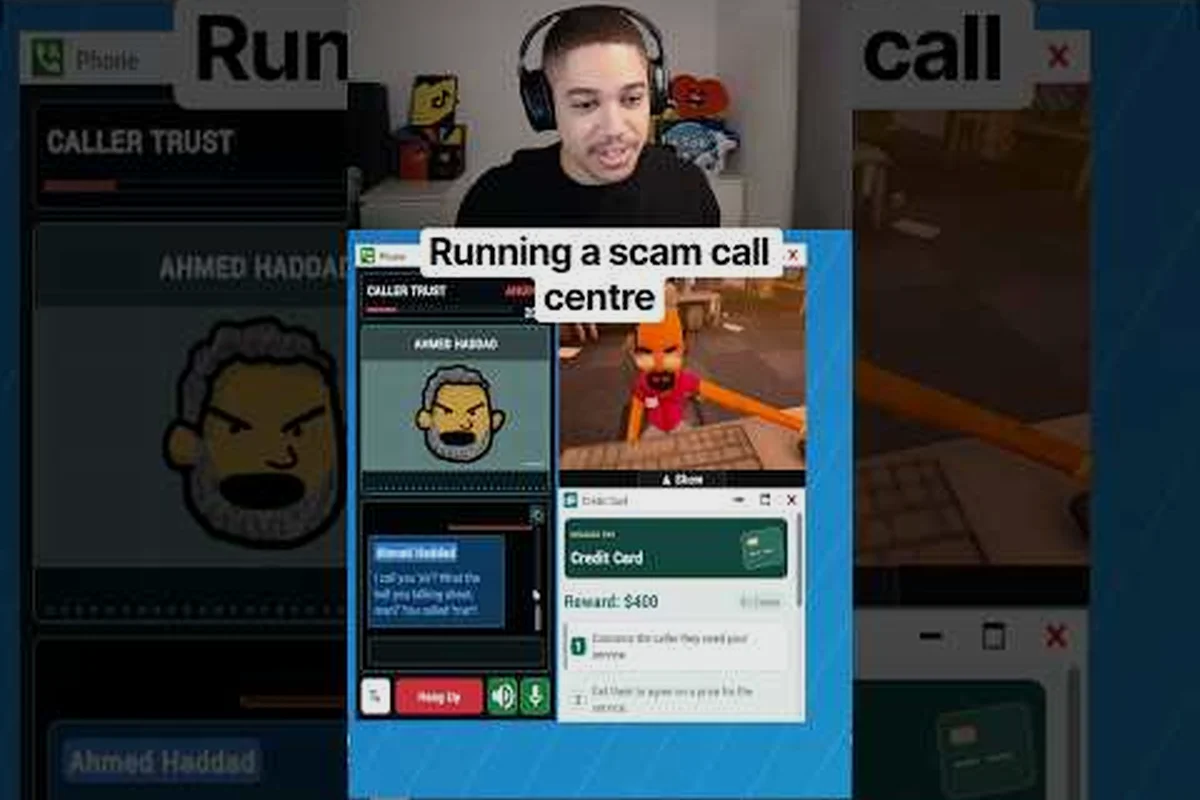
Scam With Your Friends Office Guide: Desks & Call Flow
Learn your desk, answer calls, and handle transferred callers without dropping the mark in this Scam With Your Friends office guide.

Scam With Your Friends Playtest Guide: Claim a Steam Key
Claim your Scam With Your Friends playtest access with a Steam key, then dodge the signup mistakes that lock testers out of the demo.

Scam With Your Friends Pro Tips to Go From Noob to Top Earner
Push past the basics with Scam With Your Friends pro tips that sharpen your improv, tighten caller reads, and turn messy conversations into reliable paydays.
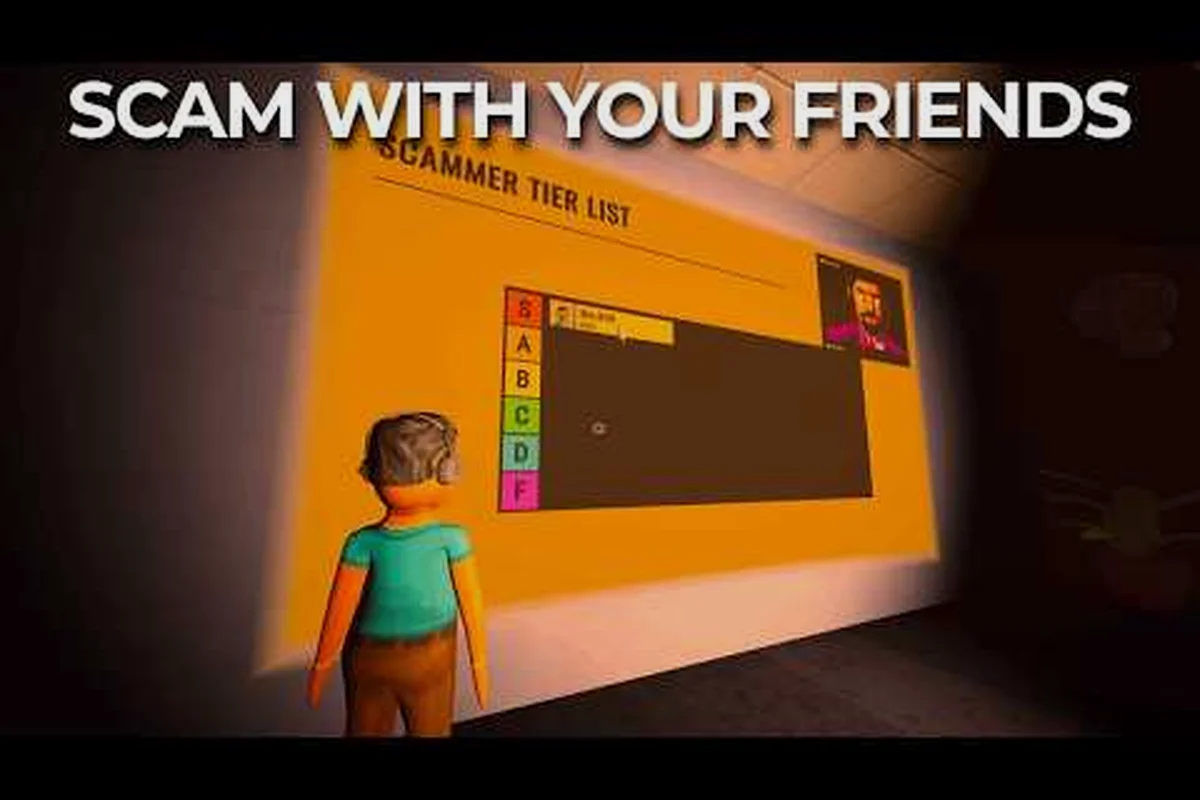
Scam With Your Friends Walkthrough: First Shift to First Payout
Follow this Scam With Your Friends walkthrough from the opening tutorial, learning every control and hotkey before your first live AI caller ever picks up the phone.

Scam With Your Friends What Is It? Steam, Price & Download
Curious about the hype? Find out what Scam With Your Friends is, how the co-op scam call center works, and where to download it on Steam.