
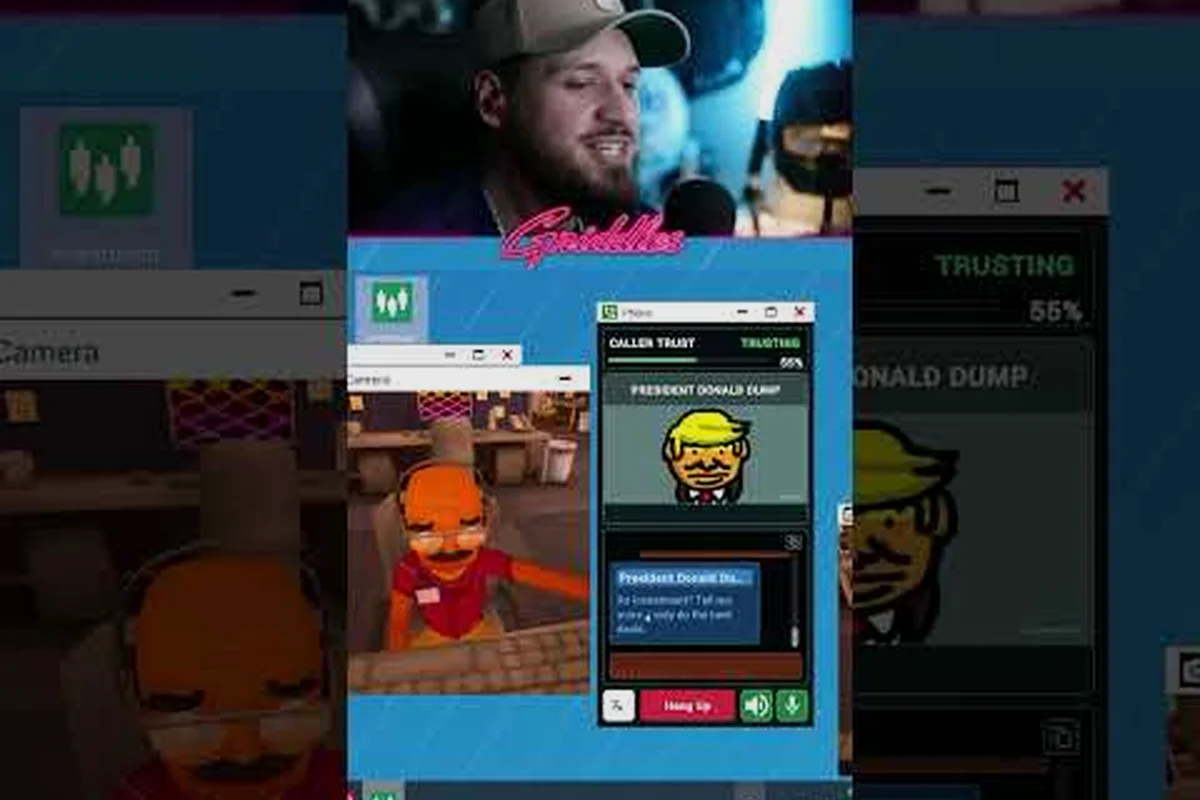
When the original host drops out of a Scam With Your Friends lobby host migration decides whether your crew keeps the run or loses the shift. This guide breaks down how the peer-to-peer handoff picks a new host, why some lobbies survive and others collapse, and what you can do to stay in control.
How Host Migration Works in Scam With Your Friends Multiplayer
In a peer-to-peer setup, one player's machine acts as the authority for the whole session. That player is the host, and every other client sends its inputs to them. When the host leaves — whether by quitting, crashing, or losing connection — the game has to promote someone else before the match state falls apart. That promotion is host migration.
The critical detail is that migration is not instant. There is a short window where the session freezes, the remaining clients negotiate, and the new host rebuilds the world state from the last synced snapshot. If that snapshot is stale, you may lose a few seconds of progress or see items reset. In practice, most clean handoffs finish in two to five seconds, while messy ones can take longer or fail outright.
-
Host authority: one machine owns the truth for positions, inventory, and objectives.
-
Snapshot sync: clients hold a recent copy of the world so a new host can resume.
-
Handoff window: the freeze where the next host is chosen and state is rebuilt.
-
Failure case: if no client has a valid snapshot, the lobby disbands.
The reason this matters for a co-op heist game is that your entire run lives in shared state. Money, tools, and staged scams all depend on one consistent timeline. A bad migration does not just disconnect you — it can roll the crew back to a checkpoint you already cleared. Understanding the handoff is the difference between shrugging off a host quit and losing an hour of work.
What Triggers a Migration
Not every disconnect is equal. A deliberate quit usually gives the game time to prepare, while a hard crash or network drop can catch the session mid-action. Migration triggered during a scripted event — like a timed scam or a chase — is far more likely to glitch than one that happens while everyone is idle in the safehouse.
Why Peer-to-Peer Changes the Rules
Because there is no dedicated server, the new host is just another player's PC. Their upload speed, CPU headroom, and connection quality now govern everyone else's experience. That is why a lobby can feel flawless under one host and laggy under another, even with the same players. If you want the deeper networking picture, the online co-op breakdown covers how desync and crossplay interact with the host model.
| Scenario | Migration Speed | Risk of Progress Loss |
|---|---|---|
| Host quits from menu | Fast (2-3s) | Low |
| Host crashes mid-scam | Slow (5-10s) | High |
| Host loses internet | Variable | Medium |
| Host alt-F4s during chase | Slow | High |
Who Becomes the Next Host
The game does not pick a new host at random. It scores each remaining client and promotes the best candidate. In practice, the priority leans on connection quality first, then session age, then hardware. A player who joined five minutes ago on fiber will usually beat a player who has been there an hour on unstable Wi-Fi.
Here is the rough order the handoff tends to follow, based on player observation: the game evaluates every remaining client the moment the current host drops, so the promotion is effectively instant rather than a vote or a countdown. In practice this means a scam with your friends private lobby running peer-to-peer can change hands mid-heist without anyone accepting a prompt, and the new host inherits authority over kick votes, ready checks, and the lobby code itself. That silent transfer is also why a scam with your friends kick player attempt can suddenly fail or succeed depending on who got promoted, since the new host's ping and stability now decide whose vote carries weight.
-
Lowest ping to the majority of remaining clients.
-
Most stable connection — fewest recent packet drops.
-
Longest continuous session time as a tiebreaker.
-
Best hardware headroom if connections are equal.
If you have ever been mysteriously promoted to host mid-run, this is why. The game quietly decided your machine was the safest pair of hands. You can nudge the odds in your favor by staying on a wired connection and closing background downloads before you queue.
Reading the Handoff Screen
When migration starts, the screen dims and a small status indicator appears. Do not touch anything during this window. Inputs sent while the new host is rebuilding state can be dropped or, worse, applied twice once the session resumes. Wait for the world to fully unfreeze before you move, loot, or trigger anything.
Choosing a Stable Host on Purpose
If your group plays regularly, decide up front who should host. The ideal host has the fastest upload, a wired connection, and a machine that is not also streaming or recording. Rotating hosts every session is a common mistake — it means every run starts with a fresh, untested authority that may not handle the load.
| Host Quality Factor | Good Sign | Warning Sign |
|---|---|---|
| Connection type | Wired ethernet | Public Wi-Fi |
| Upload speed | 20 Mbps or higher | Under 5 Mbps |
| Background load | Idle machine | Streaming or downloading |
| Region | Same region as crew | Cross-continent |
Host Duties in a Private Lobby
A private lobby gives you full control over who joins and, by extension, who can become host. In public sessions you inherit whoever the matchmaker hands you, including players with poor connections who drag the whole session down. In a private lobby you curate the roster, which means you also curate the migration candidates.
Setting up a private lobby is straightforward, but the details determine whether host migration stays clean when someone drops: assign a backup host with a wired or low-latency connection before the first scam, since peer-to-peer migration promotes whichever remaining client holds the most synced state — often the player who joined earliest, not the one with the best ping. Keep the roster to four or fewer so each client tracks fewer objects, and confirm everyone has the same lobby code rather than relying on a mid-run invite.
-
Invite only trusted players with known-good connections.
-
Agree on a host before the first shift starts.
-
Cap the lobby size to reduce the number of clients syncing state.
-
Avoid mid-run joins — a player entering during a scam adds a fresh client that has to catch up on state.
The tradeoff is flexibility. A private lobby means no randoms to fill empty slots, so if someone drops you may be short-handed. For a game built around coordinated scams, though, a smaller reliable crew usually beats a full lobby of strangers. The guide to playing with friends walks through join codes and lobby filters if you are setting this up for the first time.
When to Kick a Player
The kick option exists for a reason, and connection quality is a legitimate one. If a player is rubber-banding constantly or their presence keeps triggering desync, removing them can stabilize the session for everyone else. Kicking is also the cleanest way to handle a disruptive player without abandoning the run.
Be aware that kicking the current host forces a migration. If you need to remove the host, warn the crew first so nobody is mid-action when the freeze hits. A planned kick during downtime is far safer than an improvised one during a heist.
Private Lobby vs Public Lobby
| Feature | Private Lobby | Public Lobby |
|---|---|---|
| Player control | Full | None |
| Migration candidates | Curated | Random |
| Desync risk | Lower | Higher |
| Fill speed | Manual invites | Instant matchmaking |
| Best for | Coordinated crews | Quick solo-queue sessions |
Surviving a Mid-Shift Host Migration
The worst time for a handoff is during an active scam. Timers are running, guards are watching, and every second of freeze costs you — and in a peer-to-peer session, the new host inherits whatever desync the old one left behind. If the migration fires while a crew member is mid-interaction with a vault or carrying a hot item, that action can roll back entirely, wiping the progress bar they were holding. There is no way to prevent migration entirely, but you can make the aftermath survivable.
Practical steps that actually help: keep a mental note of who was carrying what before the migration fires, since the new host's save state may show a different inventory than the one your crew remembers. In peer-to-peer sessions, the host's machine is the authority — so if the original host was lagging when the handoff triggered, the incoming host can inherit a stale snapshot where a stolen item has already been returned to its display case or a guard patrol has reset to its starting route.
-
Keep the crew close before a risky objective so a rollback does not scatter everyone.
-
Bank progress early — complete and cash out smaller scams before attempting a big one.
-
Avoid split-second timing during known unstable sessions.
-
Re-sync verbally after a handoff to confirm everyone sees the same state.
The single most useful habit is communicating. After migration, one player should call out what they see — objective status, inventory, positions — so the crew can spot a desync before it ruins the run. If someone's view disagrees with the group, that player should rejoin rather than push forward on stale data.
Recovering After a Failed Handoff
Sometimes migration fails and the lobby disbands. When that happens, the host's snapshot was too old or no client had a valid copy. Rebuilding is the only option: start a fresh lobby, re-invite, and accept that the lost shift is gone. To reduce the odds, make sure at least two players have strong connections so there is always a viable backup host.
Reducing Desync Before It Starts
Desync and migration are cousins — both stem from clients disagreeing about the world state. You can lower the risk by keeping everyone on the same game version, avoiding heavy background traffic, and not stacking too many players in one small area. The party and connection fixes guide digs into friend-list and visibility problems that often masquerade as network faults.
| Recovery Step | Action | Why It Helps |
|---|---|---|
| Confirm state | Call out objectives aloud | Catches desync early |
| Rejoin if desynced | Leave and re-enter lobby | Forces a clean state pull |
| Restart if disbanded | New lobby, re-invite | Only fix for failed handoff |
| Prevent repeat | Assign a stable host | Fewer migrations overall |
Best Practices for Stable Scam With Your Friends Co Op Sessions
Stability is mostly about preparation, not luck. A crew that sets up correctly will barely notice host migration when it happens, while a disorganized one will lose runs to it constantly. The difference comes down to a handful of habits that are easy to adopt and easy to forget.
-
Designate a primary and backup host before every session.
-
Wired connections for at least the top two candidates.
-
Same region, same version, same patch across the crew.
-
No mid-scam joins — invite before the shift, not during.
-
Pause on migration — nobody moves until the world unfreezes.
Treat the host role as a job, not a formality. The player hosting should keep their machine lean: close browsers, pause updates, and avoid streaming if upload bandwidth is tight. If your usual host has a bad night, hand the role to the backup rather than gambling on a shaky connection.
Coordinating Roles Around the Host
In a co-op scam game, roles matter as much as connection. The host is often the natural coordinator because they see the most consistent state, so pairing the host role with a leadership role reduces confusion after a handoff. If your crew splits duties, the split roles overview explains how to divide tasks so a migration does not leave a critical job uncovered.
When to Just Start Over
If a session has migrated twice and is still glitching, cut your losses. Repeated migrations usually mean the underlying connections are unstable, and pushing through will only waste more time. A clean restart with a better host almost always beats a limping session.
| Session Health | Symptom | Recommended Action |
|---|---|---|
| Healthy | No freezes, low ping | Keep playing |
| Warning | One slow migration | Watch for desync |
| Unstable | Repeated migrations | Swap host |
| Broken | Constant desync | Restart lobby |
Frequently Asked Questions
What is lobby host migration in Scam With Your Friends?
It is the process where the game promotes a new host after the original one leaves, crashes, or disconnects. Because the game runs peer-to-peer, one player's machine owns the session state, and migration rebuilds that state on another client so the co-op run can continue without a full restart.
Can I choose who hosts my lobby?
Not directly through a menu, but you can influence it. The game scores remaining clients by connection quality and session time, so keeping your best-connected player as the original host means migration is less likely to trigger at all. In a private lobby you control the roster, which shapes the candidate pool.
Does kicking a player cause host migration?
Only if you kick the current host. Removing a regular client just drops them from the session. Removing the host forces a handoff to the next best candidate, so warn your crew and do it during downtime rather than mid-scam to avoid losing progress during the freeze.
Why does my lobby disband instead of migrating?
Migration fails when no remaining client holds a valid recent snapshot of the world state. This usually happens after a hard crash or a long freeze, where the sync data is too old to rebuild. Keeping at least two players on stable connections gives the session a reliable backup host.
Does host migration work in crossplay sessions?
It can, but crossplay adds complexity because clients on different platforms may sync at slightly different rates. In practice, migration is more reliable when the crew shares a platform and region, so if you play crossplay regularly, expect a higher chance of a failed handoff.
Host migration in Scam With Your Friends comes down to one idea: the session lives on a player's machine, and when that player leaves, someone else has to pick up the world. By choosing a stable host, running a curated private lobby, and pausing during the handoff window, your crew can turn a potential run-killer into a few seconds of waiting. Set up your host and backup before the next shift, and migration stops being a threat.