
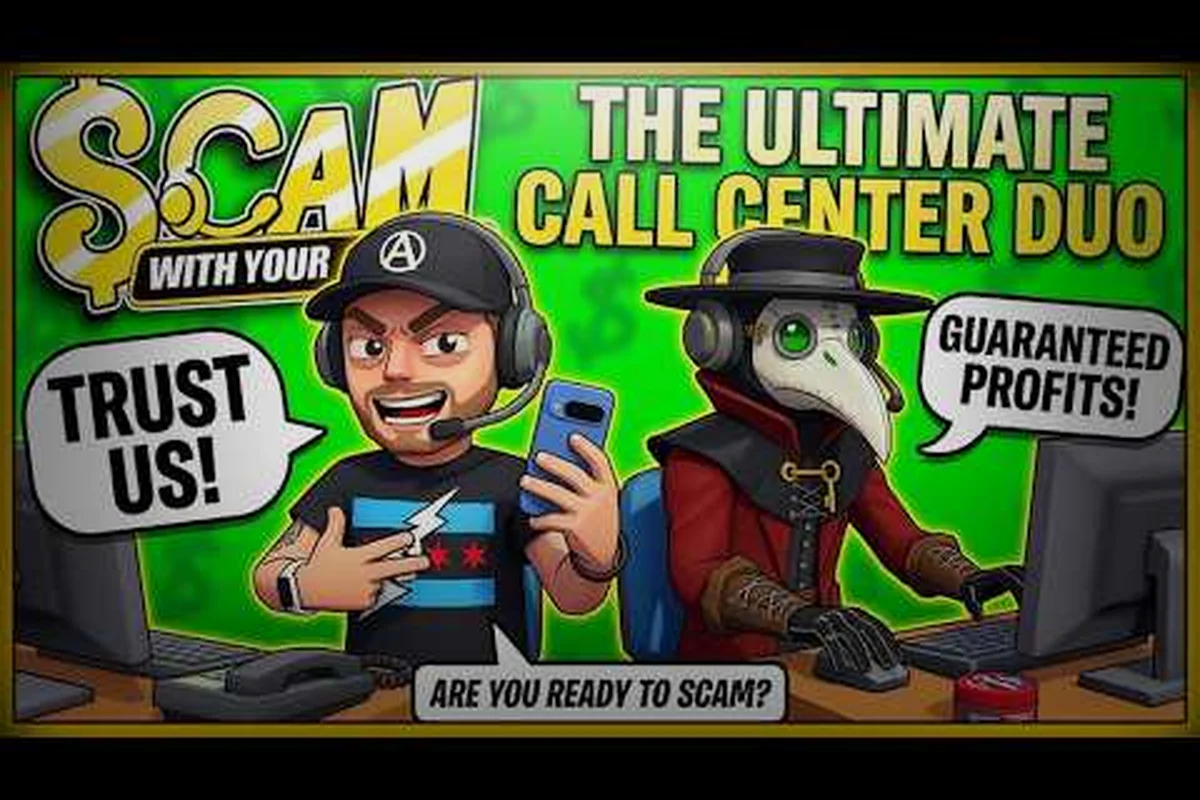
The Scam With Your Friends Steam Workshop is where the game's strangest callers actually live, and it is the single fastest way to change how every run feels. Because the developers built modding into the core design, you can drop in a new personality file or a cloned voice pack in minutes and hear the difference on your very next call.
Why the Workshop Is a Headline Feature
The Steam Workshop is not an afterthought bolted onto this game — it is a headline feature. According to the official Scam With Your Friends Steam page, the game is described as heavily moddable, with custom personalities written in JSON files and voice cloning through WAV files called out as first-class tools rather than hidden hacks. That framing matters, because it tells you the modding pipeline was designed to survive patches instead of breaking every hotfix.
The game launched into Early Access on October 15, 2026, after a wishlist climb that hit 10,000 on September 10 and 100,000 on September 23, then 600,000 by launch day. That surge is exactly why Workshop caller packs became the fastest-growing slice of community content within days of release. When a game ships with an AI-driven dialogue system, players immediately want to feed it their own characters, memes, and inside jokes.
Here is what the Workshop ecosystem actually gives you at a glance: five distinct content types, each with its own skill floor and risk profile. JSON personality packs and meme mods sit at the low end — text-only edits that change caller behavior, tone, and scam scripts without touching audio or assets. Voice pack mods (WAV files) and full custom callers demand more work, since you are sourcing or cloning audio to match a personality file, and full callers combine both layers. Workshop collections bundle any mix of these into a single one-click install, which is why they spread fastest among players who just want a curated caller roster.
| Workshop Content Type | What It Changes | Skill Needed | Risk Level |
|---|---|---|---|
| JSON personality packs | Caller behavior, tone, scam scripts | Low | Low |
| Voice pack mods (WAV) | How callers sound | Medium | Low |
| Full custom callers | Personality + voice combined | Medium | Medium |
| Workshop collections | Bundles of many mods | Low | Low |
| Meme / joke mods | Cosmetic chaos | Low | Low |
The practical takeaway is simple: you do not need to be a programmer to reshape this game. You need a Steam account, a working install, and a willingness to read a JSON file carefully. Everything else is community-supplied. Concretely, a JSON personality pack is a small text file whose fields map directly to the caller's dialogue behavior — edit a name string, a tone value, or a scam script line, drop the file into the correct mod folder, and the change loads on your next run. That low floor is why text-only packs and meme mods dominate the early Workshop charts: no audio sourcing, no asset pipeline, just careful syntax. Voice pack mods raise the bar because a malformed WAV or a mismatched sample rate can silence a caller entirely, and full custom callers stack both layers, so a broken personality JSON can waste hours of cloning work.
How moddable is Scam With Your Friends, really?
Very moddable, and the developer keeps proving it. Hotfix 2 specifically addressed Workshop problems, including stalled caller voice loading that used to block player input, plus reduced memory use when loading custom caller voices. Earlier hotfixes fixed stuck Workshop uploads that were jamming the queue so badly that every other caller upload behind them failed too. Those patch notes are a strong signal: the team is actively maintaining mod support rather than letting it rot.
Understanding JSON Mods and Personality Files
JSON mods are the backbone of the entire system. A personality file is essentially a structured text document that tells the game how a caller thinks, what they say, and how aggressively they push a scam. Because it is plain text, you can open it in any editor, read it, and understand it even if you have never written code.
The format is forgiving in the sense that it is readable, but it is unforgiving in the sense that a single misplaced comma or a missing bracket can stop the mod from loading at all. Malformed JSON is the number one reason a custom caller silently fails to appear in-game.
| JSON Field Category | Typical Purpose | Common Mistake |
|---|---|---|
| Identity fields | Caller name, tag, description | Duplicate names overwriting each other |
| Dialogue blocks | Lines the caller speaks | Unescaped quotes inside strings |
| Behavior weights | How pushy or cautious the caller is | Values outside the expected range |
| Voice references | Which WAV files to load | Wrong filename or path |
| Metadata | Author, version, compatibility | Missing version causing update conflicts |
If you want a deeper walkthrough of building these files from scratch, the custom personality files breakdown covers the field-by-field structure and the upload process in detail. The key point for now is that JSON mods are the lowest-risk, highest-reward entry point into modding this game.
Reading a personality file before you install it
Before you subscribe to anything, open the mod page and read the description. Good authors list the fields they changed, the game version they tested against, and whether the mod needs a companion voice pack. If a description is empty or vague, treat it as a gamble. A two-minute read saves you a twenty-minute debugging session.
How to Install Mods from the Workshop
Installing Workshop mods is genuinely simple, which is part of why the ecosystem exploded so fast. The entire flow is subscription-based, meaning Steam handles the download and the game picks it up automatically. You are not dragging files into folders unless you are building your own mod.
Here is the standard install flow that works for the overwhelming majority of players: subscribe from the Scam With Your Friends Workshop page, let Steam's background download finish, then launch the game and wait for the mod manifest to load before starting a call. The reason this order matters is that Workshop mods are pulled at game launch, not mid-session — a caller pack or voice pack subscribed to while the game is already running will not register until you restart. This is also why the in-game mod list is your verification step: if a new caller is missing there, the subscription almost certainly has not finished downloading, and re-subscribing before the download completes just queues a duplicate.
-
Open the Scam With Your Friends Workshop page from your Steam library.
-
Browse or search for a caller pack, personality mod, or voice pack you want.
-
Click Subscribe — Steam begins downloading immediately in the background.
-
Launch the game and let it finish loading mods before you start a call.
-
Check the in-game mod list to confirm the new caller appears.
-
Start a run and trigger a call to hear or see the change.
The most common failure point is step four. If you launch and immediately jump into a call while a large voice pack is still loading, you can hit the stalled-loading behavior that Hotfix 2 was designed to reduce. Give the game a moment, especially after subscribing to several mods at once.
| Symptom | Likely Cause | Fix |
|---|---|---|
| Mod not appearing | Still downloading | Wait, then restart the game |
| Caller silent | Voice files failed to load | Verify files, re-subscribe |
| Game stutters on call | Large voice pack loading | Reduce active voice mods |
| Upload stuck in queue | Old bug, now patched | Update to latest build |
| Two callers with same name | Conflicting identity fields | Unsubscribe one |
What to do when a Workshop mod will not download
Download failures are usually a Steam-side hiccup rather than a game problem. Restarting Steam, verifying the game files, and re-subscribing typically clears it. If the problem persists across multiple mods, the Workshop not downloading troubleshooting guide walks through the deeper causes, including cache issues and mod folder locations.
Picking the Best Mods Without Wrecking Your Run
The best mods are the ones that fit how you actually play. A voice pack that makes you laugh on the first call can become grating by the twentieth, and a personality that is too aggressive can make certain scams nearly impossible to land. Balance matters more than novelty.
Community favorites tend to fall into a few recognizable buckets. Meme callers dominate the most-subscribed charts because they are instantly funny, but the mods that stay installed longest are usually the ones with genuine personality depth — callers that react differently depending on how you respond.
| Mod Style | Best For | Longevity | Recommendation |
|---|---|---|---|
| Meme / joke callers | Quick laughs, streams | Short | Try, then rotate out |
| Character recreations | Roleplay runs | Medium | Keep a small set |
| Realistic personalities | Immersive playthroughs | Long | Core install |
| Voice pack overhauls | Audio variety | Long | Pair with personalities |
| Challenge callers | Difficulty spikes | Medium | Use sparingly |
A smart approach is to build a small curated collection rather than subscribing to everything. Workshop collections let you bundle a set and toggle it as a group, which keeps your active mod list manageable. If you want inspiration for what to build or install next, the mod ideas collection is a solid starting point for creative directions the community has already explored.
Balancing personality and voice mods
Personality files and voice packs are separate systems that work best together. A great personality with a mismatched voice feels off, and a perfect voice attached to a flat personality wastes the audio work. When you find a pairing you like, keep them together in a collection so you never accidentally split them during a cleanup.
Mod Support, Patches, and Staying Stable
Mod support in an Early Access game is a moving target, and Scam With Your Friends is no exception. The store page carries the standard Early Access notice that the game is incomplete and may change, which means mods can break when the developers ship updates. The good news is that the team has shown a pattern of fixing Workshop issues quickly rather than ignoring them.
The launch window alone saw a Hot Fix on release day followed by Hotfix 2 the next day, and both touched mod-related systems. Stalled voice loading, memory use, and stuck uploads all got attention. That responsiveness is why the modding community has stayed optimistic despite the usual Early Access turbulence.
| Patch Concern | What Changed | What It Means for Mods |
|---|---|---|
| Voice loading stalls | No longer blocks input | Safer to run multiple voice mods |
| Memory use | Lower when loading custom voices | Bigger packs are more viable |
| Stuck uploads | Queue jams resolved | Authors can publish reliably |
| General hotfixes | Ongoing stability work | Expect periodic mod breakage |
How to keep your mod list healthy after a patch
After any significant update, do a quick audit. Launch the game, check that your callers still appear, and listen for silent voice packs. If something broke, check the mod page for an author update before assuming the mod is dead. Most active authors patch within days of a game update, and unsubscribing prematurely just means you lose a mod you liked.
If you ever need to strip everything back to vanilla, the uninstall and cleanup guide explains how to remove mods and collections without leaving orphaned files behind. A clean slate is often the fastest fix when a mod list gets tangled.
Building Your Own Caller for the Workshop
Once you have installed a few mods, the natural next step is making your own. The barrier is lower than most players expect. If you can write a structured text file and record or source a few audio clips, you can publish a caller that other people will actually download.
The workflow breaks into a few clear stages. First, draft the personality in JSON, defining the caller's identity, dialogue, and behavior. Second, prepare the voice files as WAV audio, matching the filenames your JSON references. Third, test locally before uploading, because a broken mod wastes everyone's time. Fourth, publish through the Workshop and write a description that tells players exactly what they are getting.
| Stage | Task | Time Estimate | Difficulty |
|---|---|---|---|
| Drafting | Write the JSON personality | 30-60 min | Low |
| Audio | Prepare and name WAV files | 30-90 min | Medium |
| Testing | Run calls, fix errors | 20-40 min | Low |
| Publishing | Upload and describe | 10-20 min | Low |
Testing locally is the step most new authors skip, and it is the one that matters most. A single unescaped quote in a dialogue string can break the whole file, and you will not notice until a call fails to trigger. Run at least a few calls with your new caller before you publish, and fix anything that feels off.
Writing a Workshop description that helps players
Your description is your mod's handshake. List the game version you tested, whether a voice pack is required, and what makes your caller distinct. Authors who write clear descriptions get more subscribers and fewer confused comments, which keeps the community healthier overall.
Frequently Asked Questions
Do I need to code to use Scam With Your Friends Workshop mods?
No. Installing mods is a one-click subscription process through Steam, and the game loads them automatically. You only touch JSON files if you decide to build your own caller. Reading an existing personality file is helpful for understanding what a mod changes, but it is not required to enjoy Workshop content.
What are JSON mods in this game?
JSON mods are personality files written in plain structured text that define how a caller behaves, what they say, and how they sound. They are the core of the modding system, and because they are readable text, anyone can open one, study it, and learn to write their own without programming experience.
Why is my Workshop mod not showing up in-game?
The most common cause is that the mod is still downloading, especially large voice packs. Wait for the download to finish, then restart the game and check the mod list again. If it still fails, verify your game files and re-subscribe, or consult a download troubleshooting guide.
Can mods break after a game update?
Yes, and that is normal for an Early Access title. The developers have shipped hotfixes that specifically repaired Workshop voice loading, memory use, and stuck uploads, which shows they actively maintain mod support. After a patch, check your mod list and look for author updates before unsubscribing.
Are voice pack mods safe to run together?
Generally yes, but each additional voice pack increases memory use during loading. Hotfix 2 lowered memory consumption for custom caller voices, which made stacking packs more viable. If you notice stuttering on calls, trim your active voice mods down to the ones you use most.
The Scam With Your Friends Steam Workshop turns a game about deception into a platform for creativity, and the barrier to entry is refreshingly low. Subscribe to a few personality packs, test a voice mod or two, and consider building a caller of your own once you understand the JSON structure. Keep your collection curated, audit it after patches, and the modding side of this game will keep paying off long after the base callers get stale.